

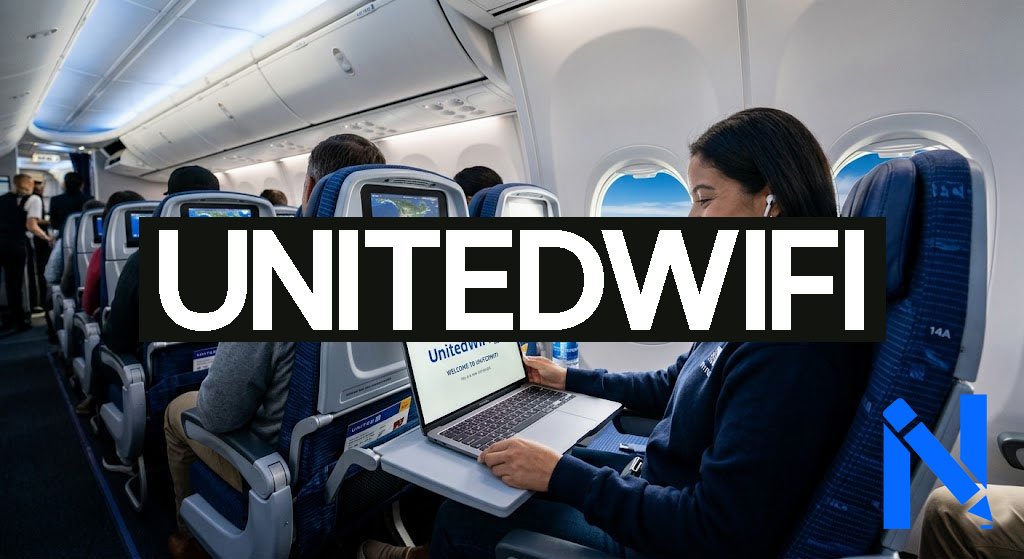
UnitedWiFi is the in-flight internet service provided by United Airlines, and it lets you stay connected while flying at 30,000 feet. Whether you want to check emails, send messages, or browse the web, knowing how to use UnitedWiFi can make your flight much more enjoyable. This guide covers everything you need to know, from connecting step by step to pricing, free options, and fixing common issues.
What Is UnitedWiFi?
UnitedWiFi is United Airlines’ onboard internet service, available on most of its flights. You can access it by visiting unitedwifi.com after connecting to the plane’s Wi-Fi network. The service works like regular home internet but at a higher altitude.
United Airlines uses four different Wi-Fi providers depending on the aircraft type. This means the speed and quality of the connection can vary from one flight to another. However, the airline is actively upgrading its fleet, and the experience keeps getting better.
How to Connect to UnitedWiFi Step by Step
Connecting to UnitedWiFi is simple and takes only a few minutes. Here is how to do it:
- Turn on Airplane Mode on your device.
- Then turn on Wi-Fi from your settings.
- Look for and connect to the “United Wi-Fi” network.
- Open your browser and go to unitedwifi.com.
- Sign in to your MileagePlus account or choose a paid plan.
- Follow the on-screen instructions to activate your connection.
If the page does not load automatically, just type unitedwifi.com directly in your browser. Once you are connected, you can start using the internet right away.
Free Wi-Fi Options on United Airlines
Not all Wi-Fi on United costs money. There are a few ways to get free access during your flight.
United offers free messaging on all Wi-Fi-enabled flights. This means you can send text messages through iMessage, WhatsApp, and Facebook Messenger without paying anything. However, this does not include video calls or photo messages.
If your flight uses Starlink Wi-Fi, you get full internet access for free as long as you are a MileagePlus member. Joining MileagePlus is free and you can even sign up during the flight. As of early 2026, more than 300 regional aircraft already have Starlink installed, and United plans to have over 800 planes equipped by the end of 2026.
T-Mobile customers with an eligible plan like Magenta or Magenta MAX also enjoy free Wi-Fi, texting, and streaming on United flights.
UnitedWiFi Pricing Plans
For flights that do not have Starlink yet, you will need to pay for full internet access. Here is a simple breakdown of the costs:
Domestic and Short-Haul International Flights:
- MileagePlus members: $8 per flight
- Non-members: $10 per flight
- Miles option: Redeem 1,600 MileagePlus miles for one flight’s access
Day Pass: A Wi-Fi Day Pass gives you access for 24 hours across multiple flights on the same day. The price equals the total cost of Wi-Fi for each individual flight in that 24-hour period. It is a convenient option if you have connecting flights.
Long-Haul International Flights: The price for longer international routes varies depending on the destination. It is best to check the unitedwifi.com portal during your flight for the exact cost.
United also offers monthly and annual subscription plans for frequent flyers. These plans let you use Wi-Fi on any Wi-Fi-equipped United aircraft and can save you money if you fly often.
Starlink Wi-Fi: A Big Upgrade for United Flyers
United Airlines is rolling out SpaceX Starlink Wi-Fi across its fleet, and it is a major improvement. Starlink uses satellite technology to deliver faster and more reliable speeds compared to older in-flight Wi-Fi systems.
Once Starlink is on your flight, MileagePlus members get completely free full internet access. This is a big deal because most passengers previously had to pay for service that was sometimes slow. United expects to finish the Starlink rollout on over 800 planes by the end of 2026, so the free experience will become more common very soon.
What Can You Do on UnitedWiFi?
Once connected to UnitedWiFi, you can do many things online. Here is what works well:
- Browsing websites and reading articles
- Sending and receiving emails
- Using messaging apps like WhatsApp and iMessage
- Accessing the United app and in-flight entertainment
- Light work tasks like editing documents or joining a video call
Keep in mind that streaming videos from Netflix, YouTube, or Hulu is not available on most flights. However, select aircraft like the Airbus A319 and Boeing 737 do support streaming. You can also watch movies and TV shows for free through the United app on any Wi-Fi-enabled flight.
Voice and video calls are not supported on UnitedWiFi. The service is designed for browsing and messaging, not phone calls.
How to Fix UnitedWiFi Connection Problems
Sometimes the connection does not work right away. Here are some quick fixes to try:
- Restart your Wi-Fi. Turn it off and on again, then reconnect to “United Wi-Fi.”
- Disable Private Relay on iPhone. Go to Settings, tap your Apple ID, then iCloud, and turn off iCloud Private Relay. This often fixes connection issues on Apple devices.
- Clear your browser cache and try visiting unitedwifi.com again.
- Reconnect to the network from scratch if the page still does not load.
If none of these steps work, ask a flight attendant for help. If you paid and still could not connect, you can request a refund through the United refund form on their website.
Does Your Flight Have Wi-Fi?
Not every United flight has Wi-Fi, though most do. To check before you fly, you can look at the Wi-Fi coverage map on the United Airlines website. You can also check your flight details in the United app or look at the amenities section on the flight status page.
Wi-Fi availability depends on the type of aircraft and the route. United says availability is subject to change, so even if your flight shows Wi-Fi, it is a good idea not to rely on it for urgent tasks. Always have an offline backup plan just in case.
Conclusion
UnitedWiFi makes it easy to stay connected during your flight. With free messaging on all Wi-Fi-enabled flights, free full access on Starlink-equipped planes for MileagePlus members, and affordable paid options for other routes, there is something for every traveler. Just connect to the “United Wi-Fi” network, visit unitedwifi.com, and you are good to go.
Frequently Asked Questions (FAQs)
1. How do I connect to UnitedWiFi?
Turn on Airplane Mode, enable Wi-Fi, connect to “United Wi-Fi,” and open unitedwifi.com in your browser. Sign in or choose a plan to get started.
2. Is UnitedWiFi free?
Free messaging is available on all Wi-Fi flights. Full free internet access is available on Starlink-equipped flights for MileagePlus members. T-Mobile customers with eligible plans also get free Wi-Fi.
3. How much does UnitedWiFi cost?
For domestic and short-haul international flights, it costs $8 for MileagePlus members and $10 for non-members. You can also use 1,600 miles for access.
4. Can I stream videos on UnitedWiFi?
Streaming from Netflix, YouTube, or Hulu is not available on most United flights. However, you can watch movies for free through the United app, and select aircraft do support streaming.
5. What do I do if UnitedWiFi is not working?
Reconnect to the Wi-Fi network and revisit unitedwifi.com. On iPhones, turn off iCloud Private Relay. If problems continue, ask a flight attendant or request a refund through United’s website.
Get verified insights on News Writer