

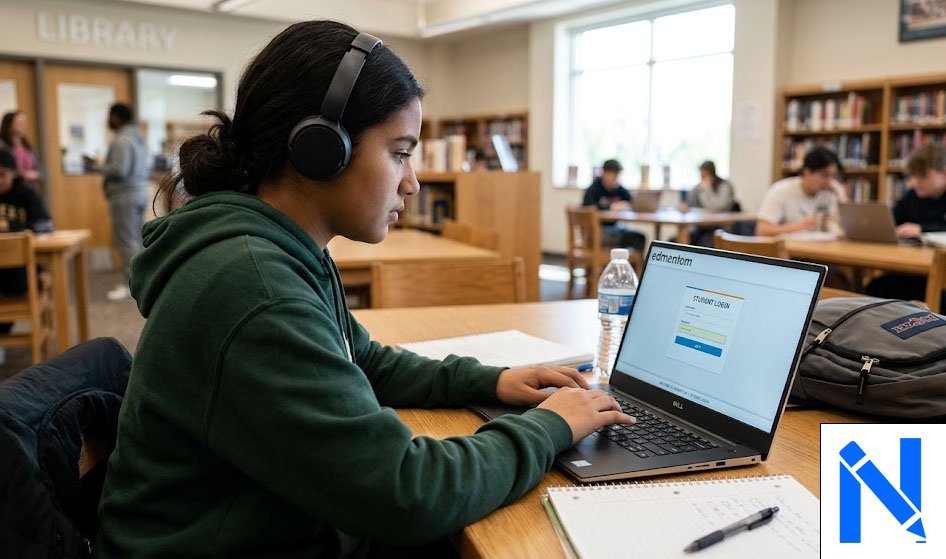
Edmentum student login is the first step every student takes before starting their online classes, completing assignments, or checking their progress. Edmentum is a popular K-12 online learning platform used by thousands of schools across the United States. It offers courses in subjects like math, reading, science, and more. Whether you are a new student logging in for the first time or someone who uses the platform every day, this guide will walk you through everything you need to know to get into your account quickly and without any trouble.
What Is Edmentum and Why Do Students Use It?
Edmentum is an online education platform that helps students in grades K-12 learn and grow at their own pace. Schools use it to offer digital courses, credit recovery programs, and personalized learning paths based on each student’s needs. The platform gives students access to lessons, quizzes, and assignments all in one place, making it easy to stay organized and on track.
Many students use Edmentum because it is flexible. You can log in from a computer, a Chromebook, a tablet, or even a smartphone. As long as you have a good internet connection and a supported browser like Google Chrome or Mozilla Firefox, you are ready to go.
How to Access the Edmentum Student Login Page
Getting to the Edmentum login page is simple. Open your web browser and go to https://login.edmentum.com or https://auth.edmentum.com/elf/login for Courseware users. Your school may also give you a custom link, so always check with your teacher or school administrator if you are not sure which URL to use.
Some schools use a third-party platform called Clever to manage student access. If your school uses Clever, you can log in through your school’s Clever portal and find the Edmentum icon under “Online Learning Sites.” This method makes signing in even faster because it uses your existing school account.
Step-by-Step: How to Log In to Edmentum
Here is a simple, step-by-step guide to logging into your Edmentum account:
- Open Google Chrome, Mozilla Firefox, or Microsoft Edge on your device.
- Go to https://login.edmentum.com in the address bar.
- Enter your username and password in the fields provided.
- If your school uses Google accounts, click the “Sign in with Google” button and use your school email address.
- Click “Log In” and wait for your dashboard to load.
- Once inside, you will see all the course sections your teacher has assigned to you.
Make sure you always log out properly when you are done. Click the logout button instead of just closing the browser tab. This helps protect your account and makes sure your progress is saved correctly.
What to Do If You Forget Your Edmentum Password
Forgetting a password happens to everyone. If you cannot log in because you forgot your password, do not worry. On the Edmentum login page, look for the “Forgot Password?” link and click it. You will be asked to enter your email address or username, and the system will send you instructions to reset your password.
If that does not work, the best thing to do is contact your teacher or school administrator. They can reset your password or help you recover your username. Most schools set the default password as the student’s ID number or first name, so ask your teacher what the original login details were when your account was first created.
Tips to Make Your Edmentum Login Faster and Easier
A few small habits can save you a lot of time every time you log in. First, bookmark the Edmentum login page in your browser so you do not have to type the URL every time. Second, use the “Remember Me” option on the login page if you are on a personal device. This keeps your username saved so you only need to enter your password.
Always keep your browser updated and clear your cache regularly. Old stored data can sometimes cause the page to load slowly or not work correctly. If you are having trouble logging in, try opening the page in a private or incognito window to see if a browser extension is causing the problem.
Common Edmentum Login Problems and How to Fix Them
Sometimes students run into small issues when trying to log in. Here are the most common problems and their simple fixes:
Wrong username or password: Double-check that you are typing your credentials correctly. Passwords are case-sensitive, so make sure Caps Lock is off. If you are still stuck, ask your teacher to reset your account.
Page not loading: Check your internet connection first. If your connection is fine, try a different browser or clear your browser’s cache and cookies. Edmentum also performs scheduled maintenance on Saturdays from 6:00 AM to 9:00 AM Central Time, so the platform may be temporarily unavailable during that window.
Locked out of account: If your account gets locked after too many failed attempts, contact Edmentum support at support@edmentum.com or call 1-800-447-5286 for help.
How Teachers and Parents Can Also Access Edmentum
Edmentum is not just for students. Teachers log in through the same portal but have access to a special dashboard called “Sensei,” where they can track student progress, unlock mastery tests, view grades, and score assignments. Teachers can also set due dates and monitor how much time each student spends on their lessons.
Parents also have viewing access through the Sensei dashboard. This allows them to check their child’s progress, see upcoming deadlines, and stay informed about how their student is doing in each course. If you are a parent who needs access, speak with your child’s teacher or school to get the right login details.
Conclusion
Logging into Edmentum is a simple process once you know the right steps. Visit the correct login page, enter your school credentials, and you will be inside your courses in minutes. If you run into any issues, always reach out to your teacher or school administrator first. Keeping your login details safe and your browser updated will make sure you have a smooth experience every time you access Edmentum.
Frequently Asked Questions (FAQs)
Q1. What is the official Edmentum student login URL?
The main login page is at https://login.edmentum.com. Some schools use a custom link, so check with your teacher if you are unsure.
Q2. Can I log into Edmentum on my phone or tablet?
Yes. Edmentum works on smartphones, tablets, Chromebooks, and computers. Make sure your browser is updated for the best experience.
Q3. What do I do if my Edmentum password is not working?
Click the “Forgot Password?” link on the login page, or contact your teacher or school administrator to have your password reset.
Q4. Does Edmentum have scheduled maintenance times?
Yes. Edmentum runs scheduled maintenance on Saturdays from 6:00 AM to 9:00 AM Central Time. The platform may be unavailable during this window.
Q5. How do I contact Edmentum support if I cannot log in?
You can email Edmentum support at support@edmentum.com or call 1-800-447-5286 for technical help.