
What Is an SSO Portal? The Simple Way to Log In to All Your Apps with One Password

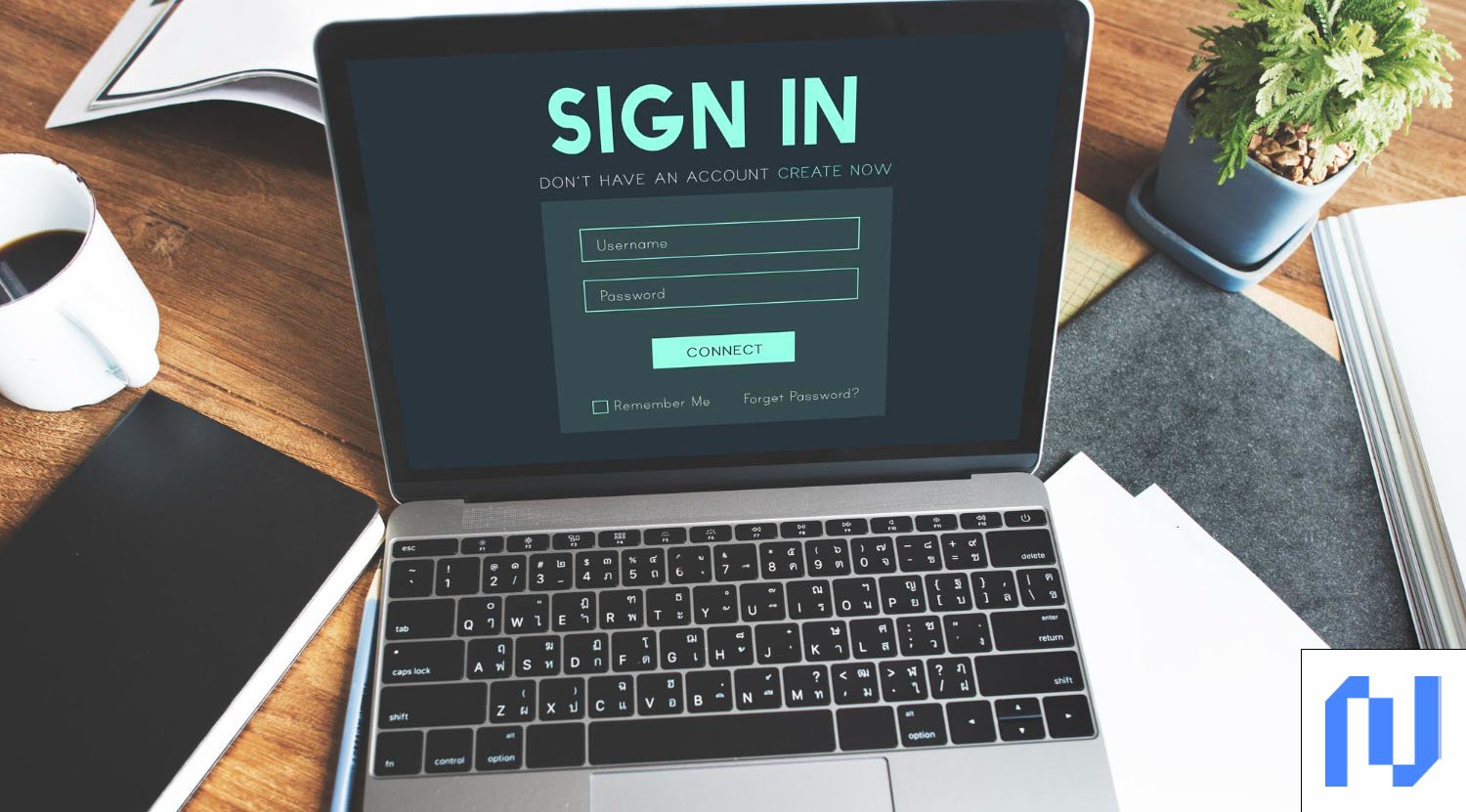
An SSO portal (Single Sign-On portal) is a central login page that gives users access to all their apps and tools using just one username and password. Instead of remembering ten different passwords for ten different platforms, you sign in once and you are done. Whether you work at a large company, a school, or a small business, an SSO portal makes your digital life much easier and more secure. In this article, you will learn what an SSO portal is, how it works, why businesses use it, and what to watch out for.
What Is an SSO Portal?
An SSO portal is a single web page or dashboard where users log in one time to access all connected applications. Think of it like a master key. Once you use that key, every door in the building opens for you without needing a separate key for each room.
When you log in through the SSO portal, the system sends a secure digital token to each connected app to confirm your identity. You do not have to type your password again. This token tells the app, “This person is verified. Let them in.”
How Does an SSO Portal Work?
The SSO process starts when a user visits the login portal and enters their credentials. The system then checks this information through a trusted service called an Identity Provider (IdP). The IdP is responsible for verifying who you are. Once verified, it creates a secure token and shares it with every app the user tries to open during that session.
The most common technologies that power SSO portals include SAML (Security Assertion Markup Language), OAuth 2.0, and OpenID Connect (OIDC). SAML is mostly used in enterprise environments like corporate offices and government systems. OAuth and OIDC are more common for cloud apps and websites. Each protocol works differently, but they all share the same goal: verify once, access everything.
Who Uses an SSO Portal?
SSO portals are used across many industries. In the workplace, employees use them to access email, HR software, project tools, and internal databases all from one login screen. In schools and universities, students and teachers use SSO portals to reach learning platforms, library resources, and school email accounts with a single set of credentials.
Healthcare providers use SSO to give doctors and nurses fast access to patient records, scheduling tools, and communication platforms without wasting time on multiple logins. Even online shoppers benefit from SSO when they use “Log in with Google” or “Log in with Facebook” buttons on retail websites.
Key Benefits of Using an SSO Portal
Saves Time and Reduces Frustration
When users only need to log in once, they spend less time typing passwords and more time doing actual work. Research shows that employees lose productivity every time they have to stop and authenticate across different platforms. An SSO portal removes this problem completely.
A study from Ping Identity found that 54% of consumers have stopped using an online service because of login frustration. SSO removes that friction and makes the experience smoother for both employees and customers.
Improves Security
It may seem like using one password for everything is less safe. However, SSO actually improves security in several ways. It reduces the total number of passwords floating around, which means fewer chances for hackers to steal credentials. IT teams can also add Multi-Factor Authentication (MFA) to the SSO portal in one place instead of adding it to every single app separately.
SSO also gives IT departments full visibility and control. If an employee leaves the company, the IT team only needs to disable one account. That action immediately blocks access to every connected app, which reduces the risk of data breaches from former employees.
Reduces IT Costs
Password-related problems are one of the biggest sources of IT support tickets in any organization. When employees forget passwords, they call the helpdesk. Each password reset costs time and money. With an SSO portal, the number of password reset requests drops significantly.
Companies that use SSO often report lower helpdesk costs and less time spent on account management. This frees up the IT team to focus on higher-value tasks like system upgrades and cybersecurity improvements.
Types of SSO Portals
Web-Based SSO
Web SSO is designed for browser-based applications. It is most commonly used by Software as a Service (SaaS) platforms like Google Workspace, Salesforce, and Slack. Users access these tools through a web browser, and the SSO system handles authentication in the background.
This type is popular among businesses that use multiple cloud tools. It is simple to set up and works well for remote teams who access company apps from different locations.
Enterprise SSO
Enterprise SSO is built for large organizations that need to connect both cloud-based and on-premises systems. It works with directory services like Microsoft Active Directory or LDAP, which store employee information and manage access permissions.
Enterprise SSO is more complex to set up but offers stronger control and better security for organizations that deal with sensitive data, such as financial institutions, government agencies, and healthcare providers.
Potential Risks and How to Manage Them
Single Point of Failure
One risk of using an SSO portal is that if the login system goes down, users cannot access any of their apps. This is called a “single point of failure.” If the SSO portal experiences downtime, the entire organization can be locked out of all connected tools at the same time.
To reduce this risk, organizations should choose SSO providers that offer high availability, automatic backups, and fast recovery options. Regular testing and a solid disaster recovery plan are also important.
Credential Theft
If a hacker steals an SSO login, they can potentially access every connected app at once. This is a serious threat. However, businesses can reduce this risk by combining SSO with strong MFA methods like one-time codes, biometric scans, or hardware security keys.
Security experts also recommend keeping SSO software updated and using protocols that have been properly tested and verified. As noted by security researchers, implementation quality matters just as much as the protocol itself.
How to Choose the Right SSO Portal
When picking an SSO solution, businesses should look at a few important factors. First, check which apps and systems the SSO portal supports. The more integrations it offers, the better. Second, look for built-in MFA support, since security should always come first.
Third, consider how easy it is to manage users. A good SSO portal should allow IT admins to add or remove users quickly, assign roles, and monitor login activity in real time. Finally, look at pricing, uptime guarantees, and customer support options. Popular SSO providers include Okta, Microsoft Entra ID, OneLogin, and Ping Identity.
Conclusion
An SSO portal is one of the smartest tools a business or organization can use today. It simplifies the login process, reduces password problems, improves security, and saves time for both users and IT teams. While it does come with some risks, those risks can be managed with the right setup and security practices. If your organization still uses separate logins for every app, switching to an SSO portal is a step worth taking.
Frequently Asked Questions (FAQs)
1. What does SSO portal mean?
An SSO portal is a single login page that allows users to access multiple apps and systems using one set of credentials. Users log in once and the system handles authentication for every connected application automatically.
2. Is an SSO portal safe to use?
Yes, an SSO portal is generally safe and can actually improve security. When paired with Multi-Factor Authentication (MFA), it reduces password-related risks and gives IT teams central control over who can access what.
3. What is the difference between SSO and a regular login?
A regular login requires a separate username and password for each app. SSO lets you use one set of credentials to access all connected apps after a single login. It saves time and reduces the number of passwords users need to remember.
Get verified insights on News Writer