

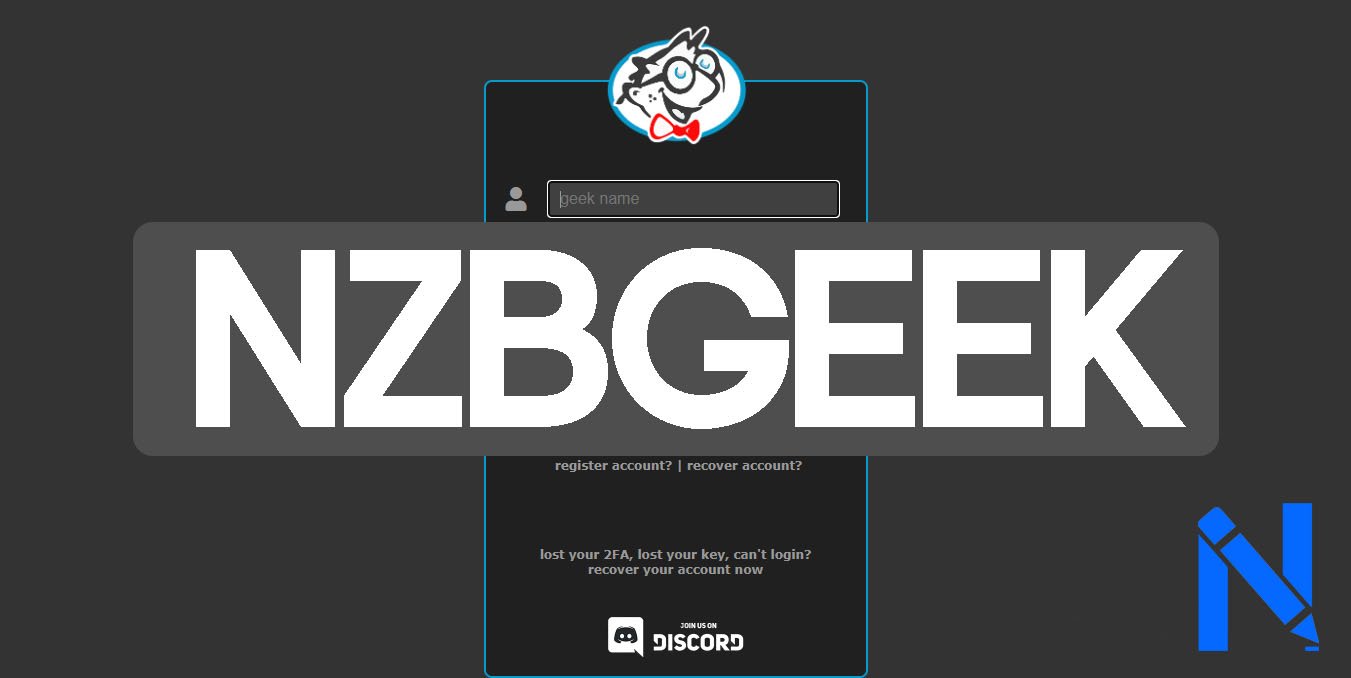
NZBGeek is one of the most trusted Usenet indexers available today. If you want fast, clean, and reliable access to Usenet content, NZBGeek gives you a powerful tool to search and download NZB files with ease. This guide covers everything you need to know about NZBGeek, from how it works to how you can set it up in minutes.
What Is NZBGeek?
NZBGeek is a private Usenet indexer. It helps users find NZB files, which are small files that tell your Usenet client where to download content from Usenet servers. Think of NZBGeek as a search engine, but only for Usenet content.
Unlike public indexers, NZBGeek is invite-only or registration-based. This keeps the quality of its database high and reduces spam. The site has a strong community and a large, well-maintained index of Usenet posts.
How Does NZBGeek Work?
NZBGeek works by scanning Usenet newsgroups and indexing the content it finds. When you search on NZBGeek, it shows you a list of results. You pick the one you want and download the NZB file. Then you open that NZB file in a Usenet client like NZBGet or SABnzbd, and your client does the rest.
The whole process is simple. NZBGeek acts as the middle step between you and the raw Usenet servers. You do not need to browse newsgroups manually. NZBGeek does the heavy lifting for you.
Key Features of NZBGeek
NZBGeek comes with a strong set of features that make it stand out from other indexers. Here is a look at the most useful ones:
Large Index: NZBGeek holds millions of indexed posts across many categories including movies, TV shows, music, books, games, and software.
API Access: NZBGeek supports API access. This means you can connect it directly to tools like Sonarr, Radarr, Lidarr, and other automation tools. Your media manager can search NZBGeek automatically without you doing anything manually.
Search Filters: You can filter results by age, size, category, and more. This saves time and helps you find exactly what you need fast.
NZB Cart: NZBGeek lets you save NZB files to a cart before downloading. This is useful if you want to grab several files at once.
Community Ratings and Comments: Users can leave ratings and comments on releases. This helps you pick the best quality version of what you are looking for.
NZBGeek Pricing Plans
NZBGeek offers both a free and paid membership. Here is a breakdown:
Free Account: You get a limited number of API hits and downloads per day. This is fine if you only use Usenet sometimes. However, the free plan has restrictions that make automation tools less effective.
Supporter Account (Paid): The paid plan costs a small yearly fee and gives you a much higher API limit, more daily downloads, and access to extra features. For regular Usenet users, the paid plan is worth the price. It also helps support the NZBGeek team and keeps the service running well.
How to Set Up NZBGeek
Setting up NZBGeek is straightforward. Follow these steps to get started:
Step 1: Create an Account Go to nzbgeek.info and register for an account. You may need an invite or wait for open registration periods.
Step 2: Get Your API Key Log in and go to your profile settings. You will find your personal API key there. Copy it and keep it safe.
Step 3: Connect to a Usenet Client Download and install a Usenet client. NZBGet and SABnzbd are two popular free options. Once installed, add your Usenet provider details.
Step 4: Add NZBGeek as an Indexer In your Usenet client or media manager (like Sonarr or Radarr), go to the indexer settings. Add NZBGeek as a Newznab indexer. Enter the NZBGeek URL and paste your API key.
Step 5: Start Searching You are ready to go. You can now search for content directly through NZBGeek or let your automation tools search automatically.
NZBGeek vs Other Usenet Indexers
NZBGeek competes with other well-known indexers like NZBFinder, DrunkenSlug, and Althub. Here is how it compares:
NZBGeek has one of the larger and more active communities. Its user ratings system and comment section make it easier to find good quality releases. Many users also praise its stability and uptime, which is important if you rely on it for automated downloading.
One area where some other indexers have an edge is pricing. A few alternatives offer slightly more generous free plans. However, NZBGeek makes up for this with its index size, active development, and strong API support for tools like Sonarr and Radarr.
Tips for Getting the Most Out of NZBGeek
Here are a few simple tips to use NZBGeek more effectively:
- Use the API with automation tools. Connect NZBGeek to Sonarr, Radarr, or Lidarr to automate your downloads. This saves time and makes the whole process hands-free.
- Check community ratings. Before downloading, look at the user ratings. This helps you avoid poor quality or incomplete releases.
- Upgrade to a paid plan. If you download regularly, the supporter plan removes most limitations and makes your experience much smoother.
- Keep your API key private. Do not share your API key with others. Each key has limits, and sharing it can slow you down.
Conclusion
NZBGeek is a reliable, feature-rich Usenet indexer that works well for both casual and regular users. It has a large index, strong API support, good community features, and reasonable pricing. Whether you are new to Usenet or already experienced, NZBGeek is a solid choice to add to your setup in 2026.
Frequently Asked Questions (FAQs)
1. Is NZBGeek free to use?
Yes, NZBGeek has a free plan. However, it has daily limits. The paid supporter plan removes most restrictions and is better for regular use.
2. Do I need a Usenet provider to use NZBGeek?
Yes. NZBGeek only provides the NZB index files. You still need a Usenet service provider to actually download the content.
3. Can I use NZBGeek with Sonarr or Radarr?
Yes. NZBGeek supports the Newznab API standard, which works directly with Sonarr, Radarr, Lidarr, and most other media automation tools.
4. How do I get an NZBGeek account?
You can register directly on the NZBGeek website. Sometimes registration is open, and other times you may need an invite from an existing member.
5. Is NZBGeek safe to use?
NZBGeek itself is a safe and well-established indexer. As with all Usenet activity, using a VPN adds an extra layer of privacy to your connection.
Get verified insights on News Writer